RedSpin Registration Australia: Account Setup and Login Basics
 Available in AU
A RedSpin account starts with the normal online-casino sequence: open the current RedSpin site, choose the registration option, enter accurate identity and contact information, create secure login credentials and review any country or currency choices shown before submitting the form. The exact fields can change, so follow the live registration screen rather than an old saved walkthrough or mirror-site guide. Registration is also separate from KYC. Creating the account gives you login access, while identity or payment-ownership checks may be requested later, including during account review or before a withdrawal. Australian users should therefore treat accurate signup details as preparation for later verification, not as a disposable first step.
Table of Contents
- Start from the current RedSpin site, not a copied signup page
- What information should be accurate from the beginning?
- Registration and KYC are two different stages
- Set up the login as if the account will hold sensitive data
- Funding comes after account setup, not before basic checks
- Can you register and log in from a phone?
- Keep account details consistent across login, payments and verification
- Login security should protect the email account as well as RedSpin
- A practical RedSpin account checklist
- Where Australian regulatory context fits into account setup
- What an Australian player should prepare before opening a RedSpin account
Start from the current RedSpin site, not a copied signup page
RedSpin has used redspinplay.com as its public-facing brand domain. That address currently redirects to another destination, which makes it important to inspect where the browser lands before entering a password, identity details or payment information. A redirect can be legitimate, but it should never be ignored simply because the page carries the right logo.
Use a saved bookmark only after you are comfortable that the destination is the one you intend to use. Avoid registration links from unsolicited messages, copied ads or pages that ask you to disable browser security. The RedSpin Australia review covers the wider casino context; account setup has its own checks around destination, data accuracy and later verification.
Once the live registration page is open, read the labels actually shown on the form. Country selectors, currency choices, consent boxes and contact fields can change over time, so an old signup walkthrough should not override the current screen.
What information should be accurate from the beginning?
Use your real details and keep them consistent. In practical terms, that means entering identity and contact information that you can still support later if the account is reviewed. A mismatch created at signup can become a bigger problem when a withdrawal or verification check compares the account record with payment ownership or identification information.
Do not create multiple versions of your name, change dates or use another person’s contact details to get through a form more quickly. Even when the registration screen looks simple, the account can later be connected to payment and identity controls.
The exact RedSpin form should determine which fields are required. It is more useful to think in categories – identity, contact, login and account settings – than to assume a fixed checklist that may no longer match the live interface.
Registration and KYC are two different stages
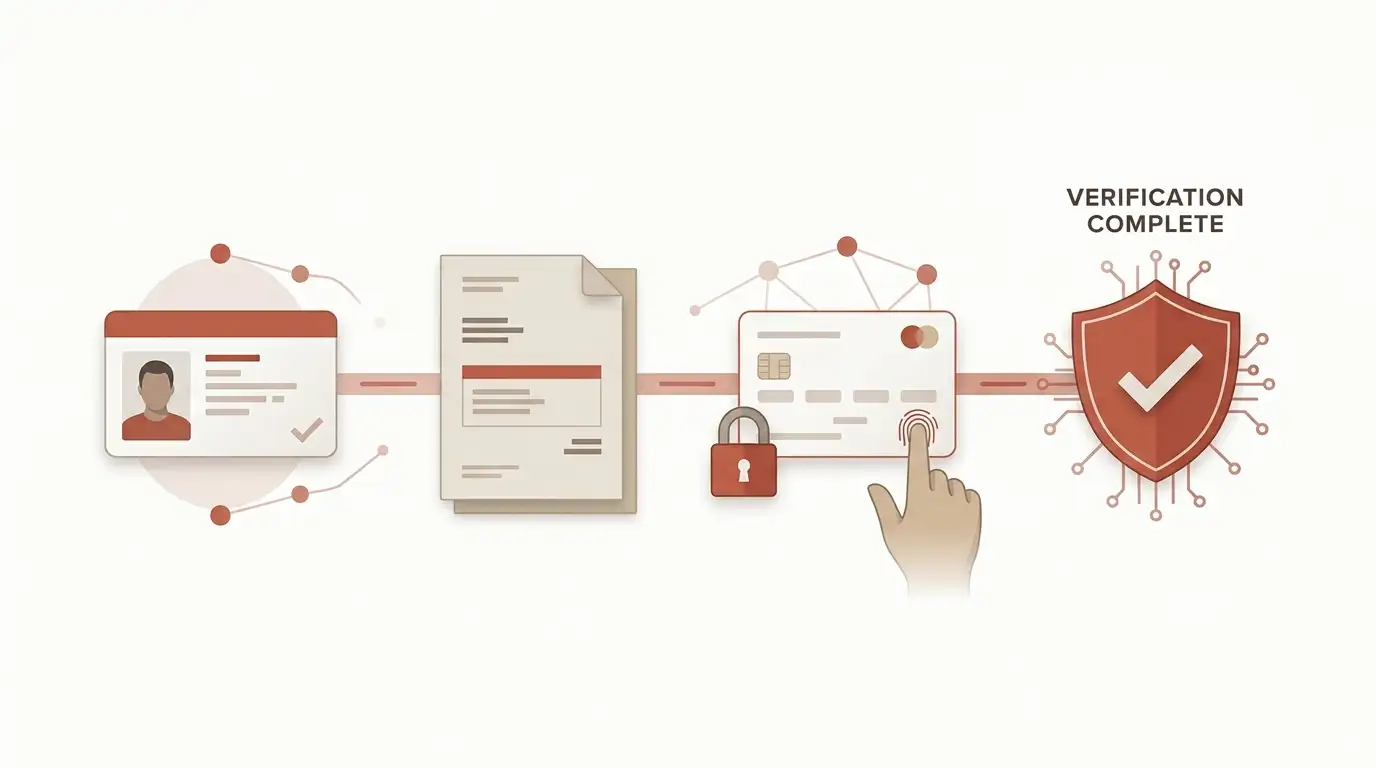
Opening an account does not necessarily mean that every identity check has already been completed. RedSpin may require identity verification during account review or before or during a withdrawal. That is why it is better to enter accurate details at registration than to treat KYC as something unrelated that can be fixed later.
The dedicated RedSpin KYC guide explains how verification can affect account and cashout readiness. It does not assume a fixed document list or a guaranteed processing time because those details need to come from the request shown to the individual account.
A practical preparation step is to keep your account information consistent with the payment method you expect to use. If the name on a bank or card account does not match the casino account, additional checks may be more likely.
Set up the login as if the account will hold sensitive data
A casino login can expose more than a game history. Depending on the account, it can also lead to personal information, payment records and verification messages. Use a password that is unique to RedSpin and not reused for email, banking or social accounts.
Do not share passwords or one-time security codes with another person. If someone claiming to be support asks for your full password, treat that as a warning sign. Live chat and email are described as RedSpin support channels, but those channels should be used to discuss an account issue, not to hand over credentials.
On a shared computer or phone, sign out after use and avoid letting the browser save the password. On your own device, a screen lock and current browser version add simple protection against casual account access.
Funding comes after account setup, not before basic checks
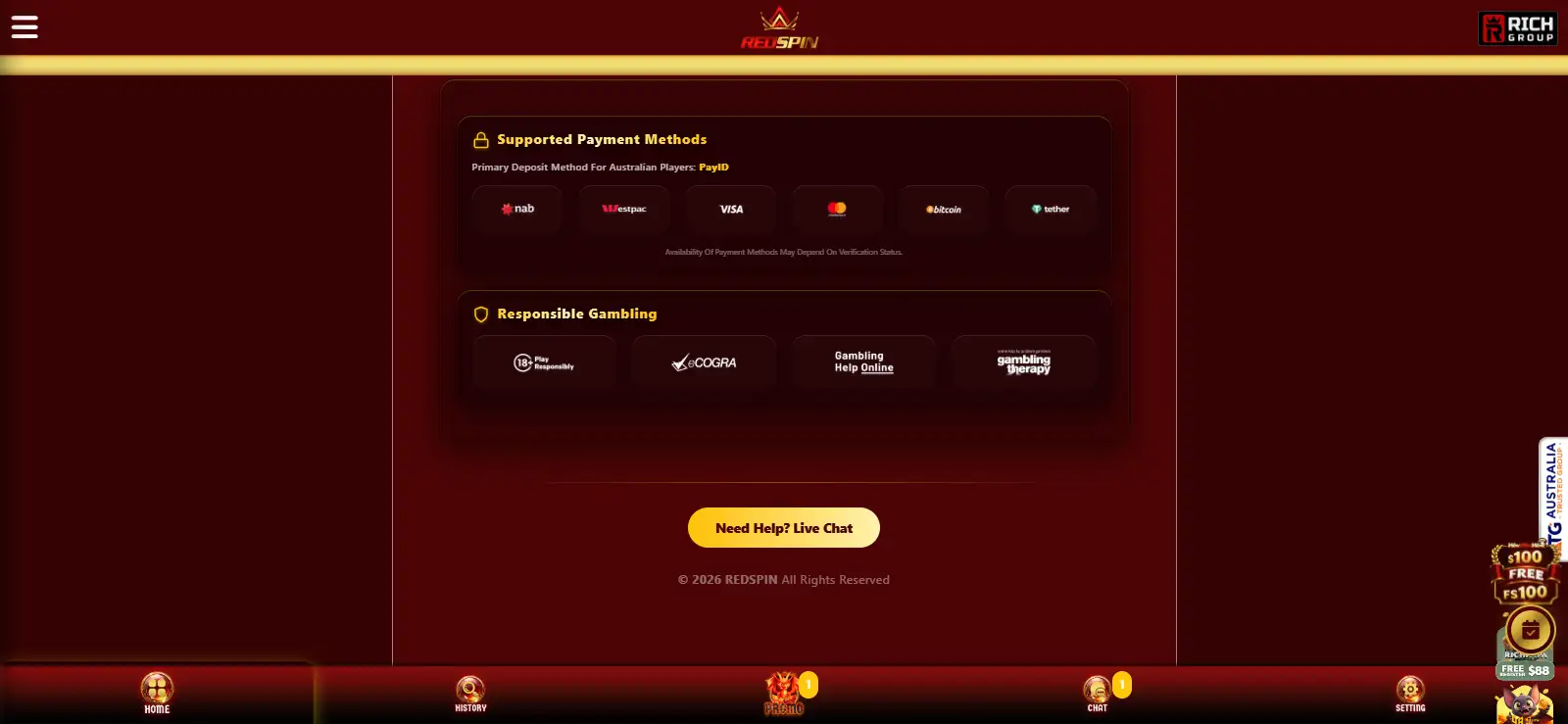
Before depositing, confirm the account currency shown to you and the payment method available in the cashier. RedSpin is associated with several payment routes for Australian users, but the live cashier is the place that determines what is actually available to your account.
The separate guide to funding the account covers PayID, cards, Neosurf and cryptocurrency in more detail. The important connection to registration is ownership: use payment details that are yours where required and keep transaction records in case the account is later reviewed.
If you are registering because of a promotion, do not let the bonus headline rush the account setup. Read the live offer terms before depositing and make sure the account details are correct first.
Can you register and log in from a phone?
Yes. RedSpin can be used through a mobile browser, so the account process does not require a desktop computer. The main mobile considerations are practical: use a secure connection, check that the form fits the screen, confirm that autofill has not inserted the wrong information and review the destination before submitting personal details.
The mobile registration and browser-play guide explains why browser access is the safer default when app claims are inconsistent. Do not install an APK simply because it promises faster registration or easier login.
If the phone changes orientation while you are filling out the form, recheck any field that may have been autofilled or hidden. A small-screen mistake can later look like an account inconsistency rather than a simple typing error.
Keep account details consistent across login, payments and verification
The most useful registration habit is consistency. The name and contact details entered at signup can later be compared with payment ownership or identity information, so a shortcut that looks harmless on day one can create extra questions at withdrawal time. If a legitimate detail changes after registration, use the account controls or current support channel to update it rather than opening another account or leaving conflicting information in place.
Keep access to the email address or phone number attached to the account if those details are used for messages or security checks. A disposable address can turn a simple login or account-review question into an access problem later. The exact contact fields depend on the live form, but whichever details RedSpin requests should be ones you can continue to control.
The same principle applies to payment records. Use your own payment details where required, keep useful deposit references, and avoid switching between unrelated funding identities. This does not guarantee that verification will be instant, but it gives the account a coherent history that is easier to explain if ownership is reviewed.
Login security should protect the email account as well as RedSpin
A unique casino password loses much of its value if the connected email account is poorly protected. Use a separate password for email, keep recovery options current and be cautious with messages that try to move you from an account notice to an unfamiliar login page. When in doubt, open the casino from the destination you already trust instead of following the message link.
If the browser offers autofill, review every field before submitting. Autofill can insert an old address, another person’s details on a shared device or a saved credential for a different site. A few seconds of checking at registration is easier than explaining an avoidable mismatch during a later payment or identity review.
A practical RedSpin account checklist
| Stage | What to do | What to avoid |
|---|---|---|
| Open the site | Inspect the destination reached from the RedSpin address | Blindly trusting copied links or unexpected redirects |
| Register | Use accurate identity and contact information | Invented details or another person’s information |
| Create login | Use a unique password and secure device | Password reuse or credential sharing |
| Prepare for KYC | Keep account and payment ownership consistent | Assuming signup means verification is finished |
| Fund account | Check live cashier methods and currency | Depositing before understanding the withdrawal route |
Where Australian regulatory context fits into account setup
For the separate licensing and consumer-protection discussion, read the page on Australian regulatory position. This account page stays focused on registration, login and account consistency.
What an Australian player should prepare before opening a RedSpin account
The best preparation is basic but important: use the live registration screen, enter information that is accurate and consistent, create a unique password, confirm the browser destination and understand that KYC may come later. Those steps reduce the chance that a small signup shortcut turns into a payment or verification problem.
RedSpin can be accessed from a phone or desktop browser, and the account itself connects the rest of the casino experience – games, banking, verification and support. Treat registration as the foundation for those later steps rather than as a form to complete as quickly as possible.
Prepared by the Redspin Casino editorial staff.